
Guide contents
Make your desktop, one step at a time
Start with a clock. Add the tools you need, arrange your space, and settle into a screen that works for you.
01
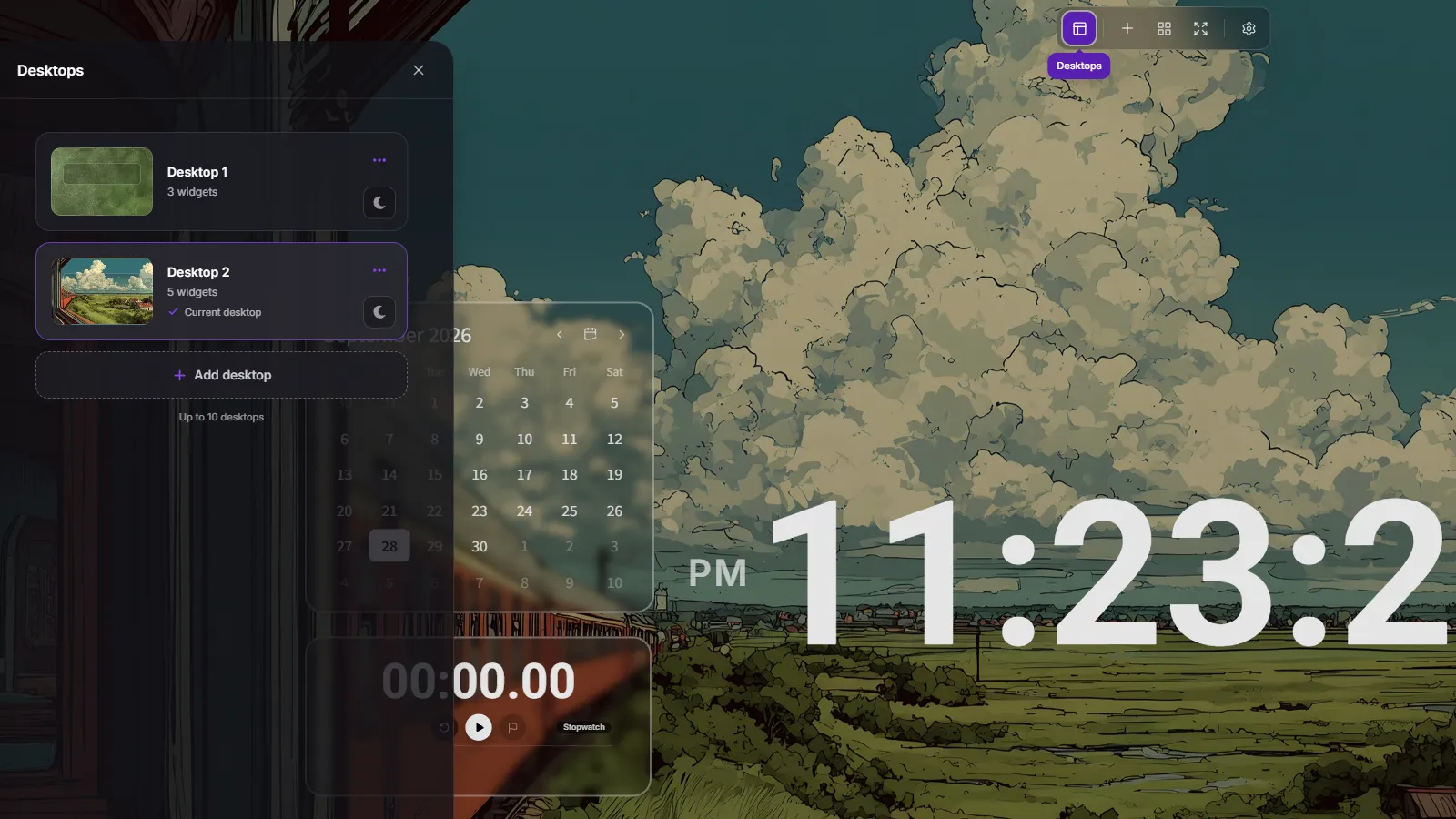
Create and switch desktops
Keep separate setups for study and work. Each desktop has its own background and widget layout.
- Open Desktops in the top toolbar.
- Choose Add desktop and start with a blank desktop or a preset.
- Select a desktop from the list to switch to it.
02
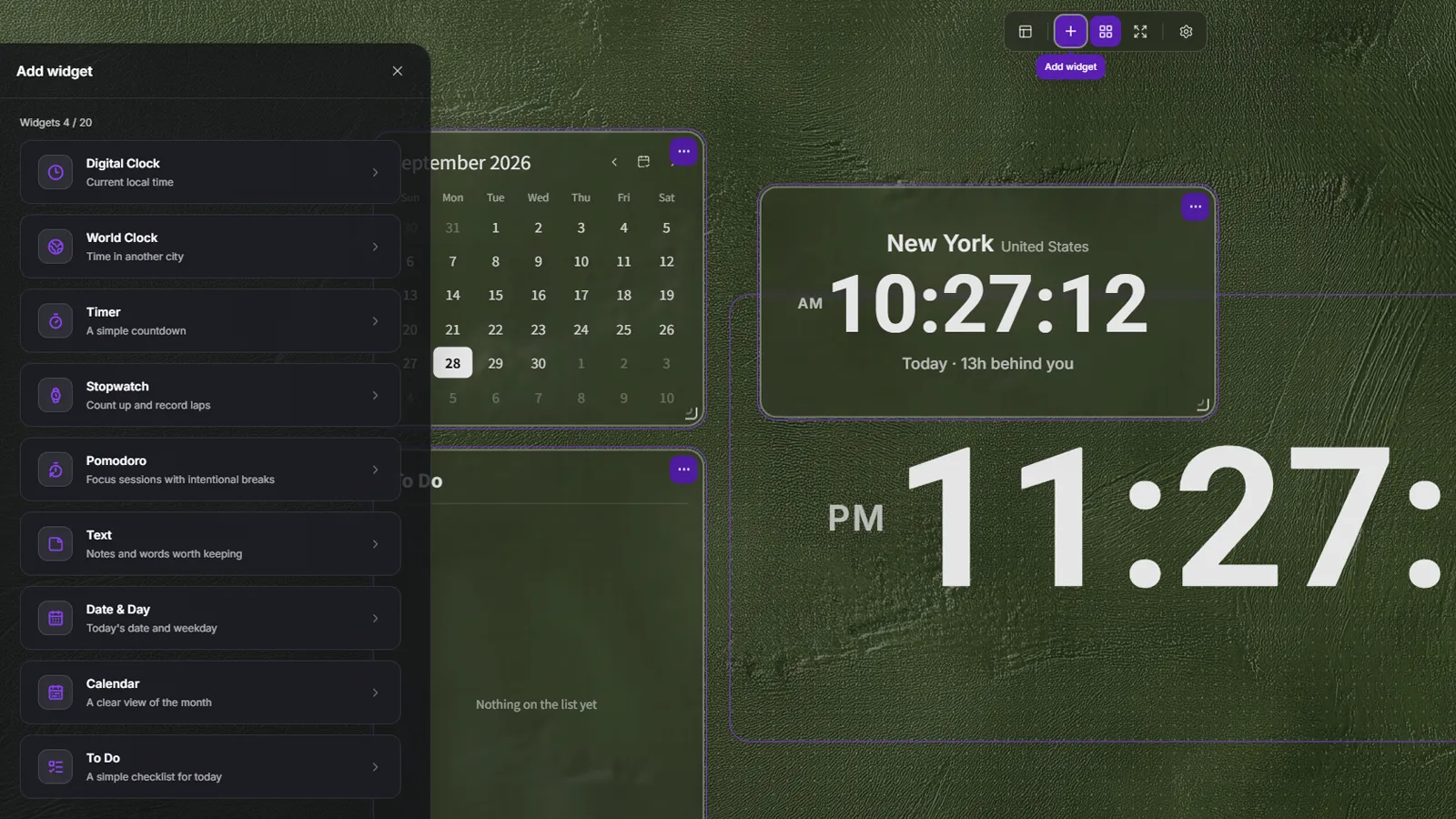
Add the widgets you need
Choose tools for checking the time, focusing, and keeping track of tasks.
- Select Add widget in the top toolbar.
- Choose a tool from the widget list.
- Check the new widget on your desktop and add more as needed.
03
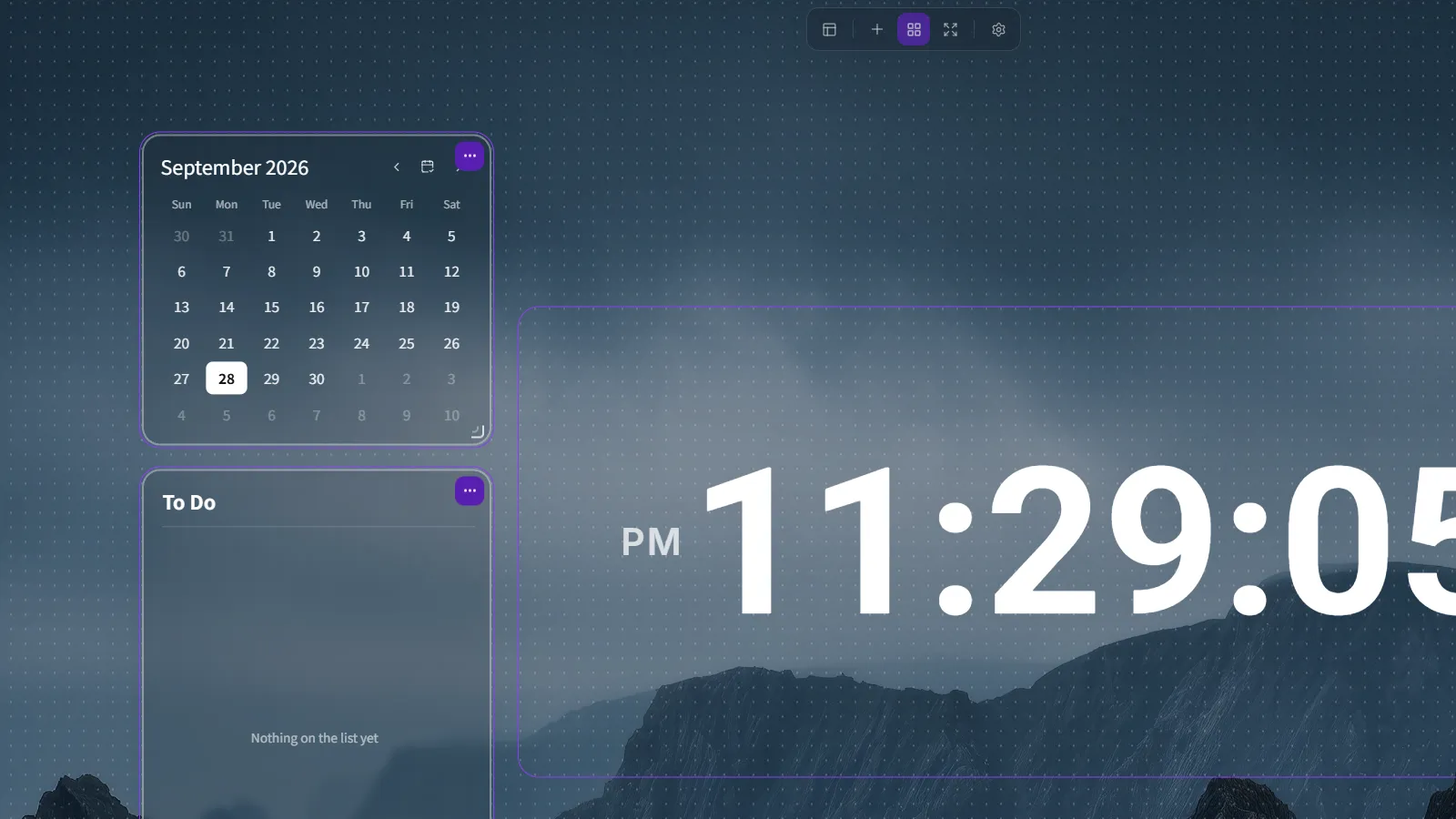
Move and resize widgets
Turn on widget editing to arrange your screen.
- Select Edit widgets in the top toolbar.
- Drag a widget to move it. Drag the resize handle at the bottom-right corner to change its size.
- Select Finish editing when your layout is ready.
04
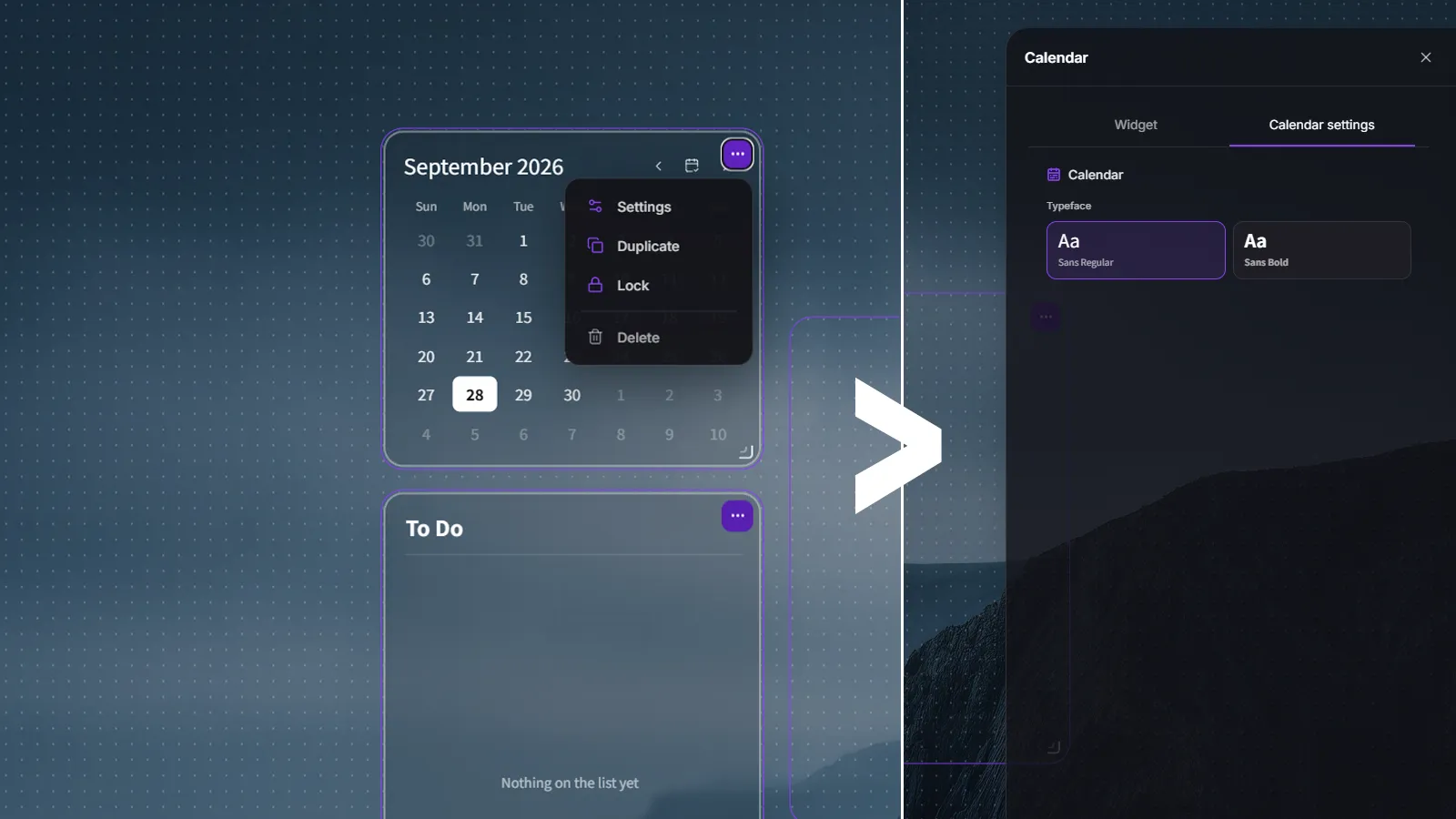
Change widget settings
Use shared appearance controls and options specific to each widget.
- While editing, open a widget's menu and select Settings.
- Use the widget's details tab in the right panel to change its options.
- Switch to the Widget tab for shared appearance settings.
05
Personalize your background
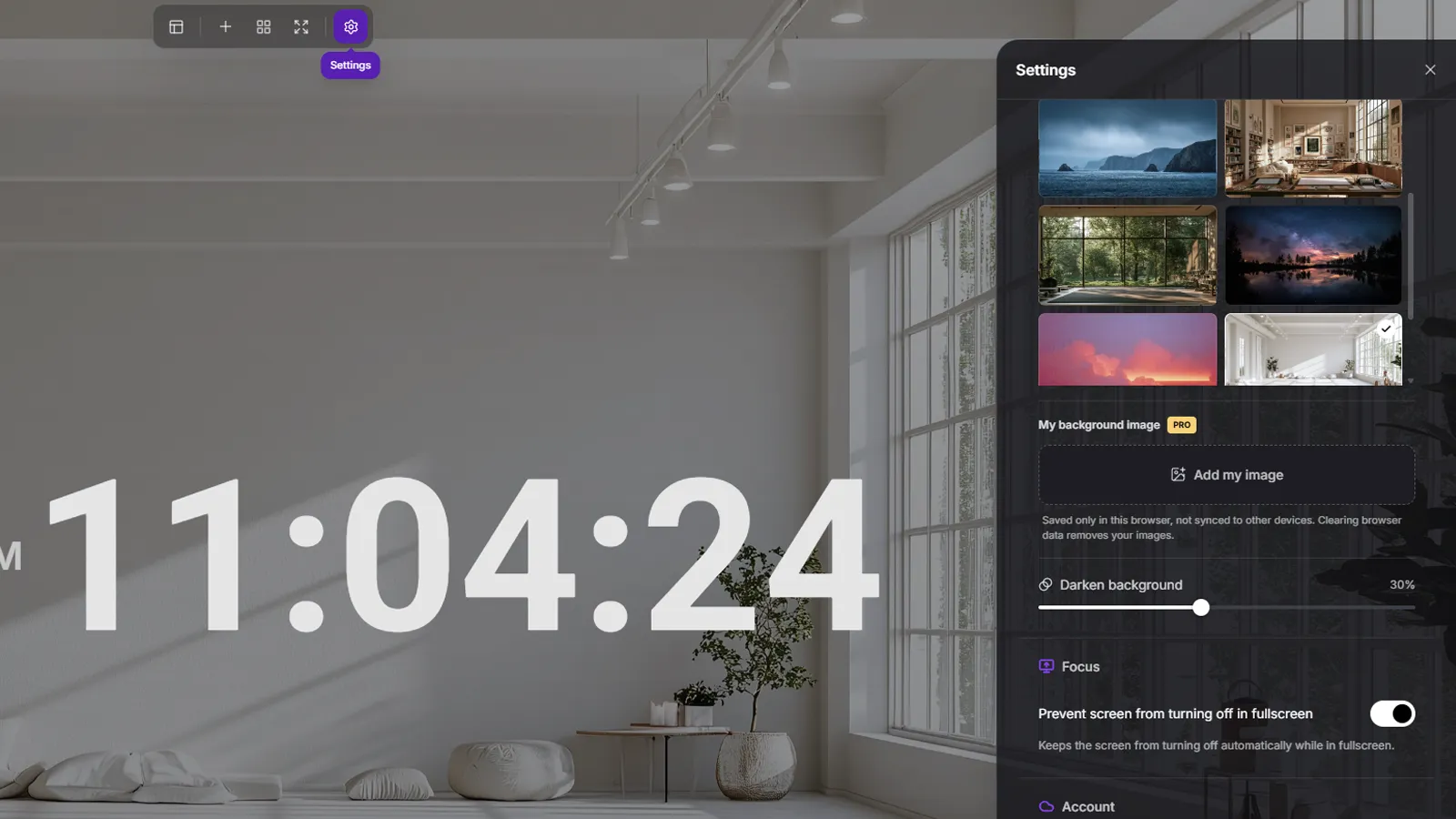
Settings brings together your desktop background and general preferences.
- Open Settings with the gear in the top toolbar.
- Choose a color, gradient, or library background and adjust its darkness.
- Find focus options, account controls, and language in the same panel.
06
Focus in fullscreen
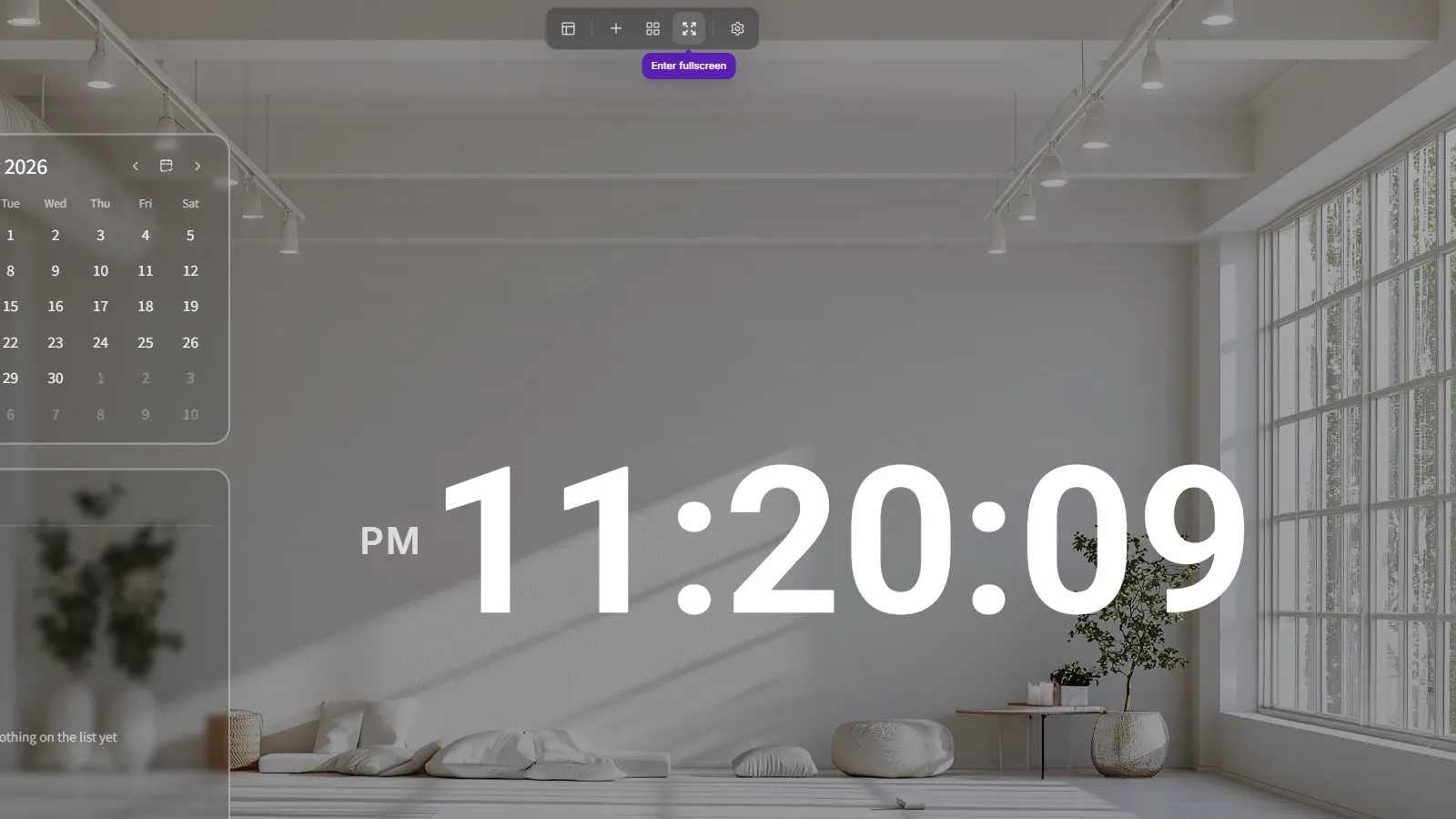
Once your layout is ready, give your workspace more room.
- Select Enter fullscreen in the top toolbar.
- On supported devices, enable Prevent screen from turning off in fullscreen in Settings.
- Use Exit fullscreen or your browser's fullscreen exit action when finished.
07
Save and continue on another device
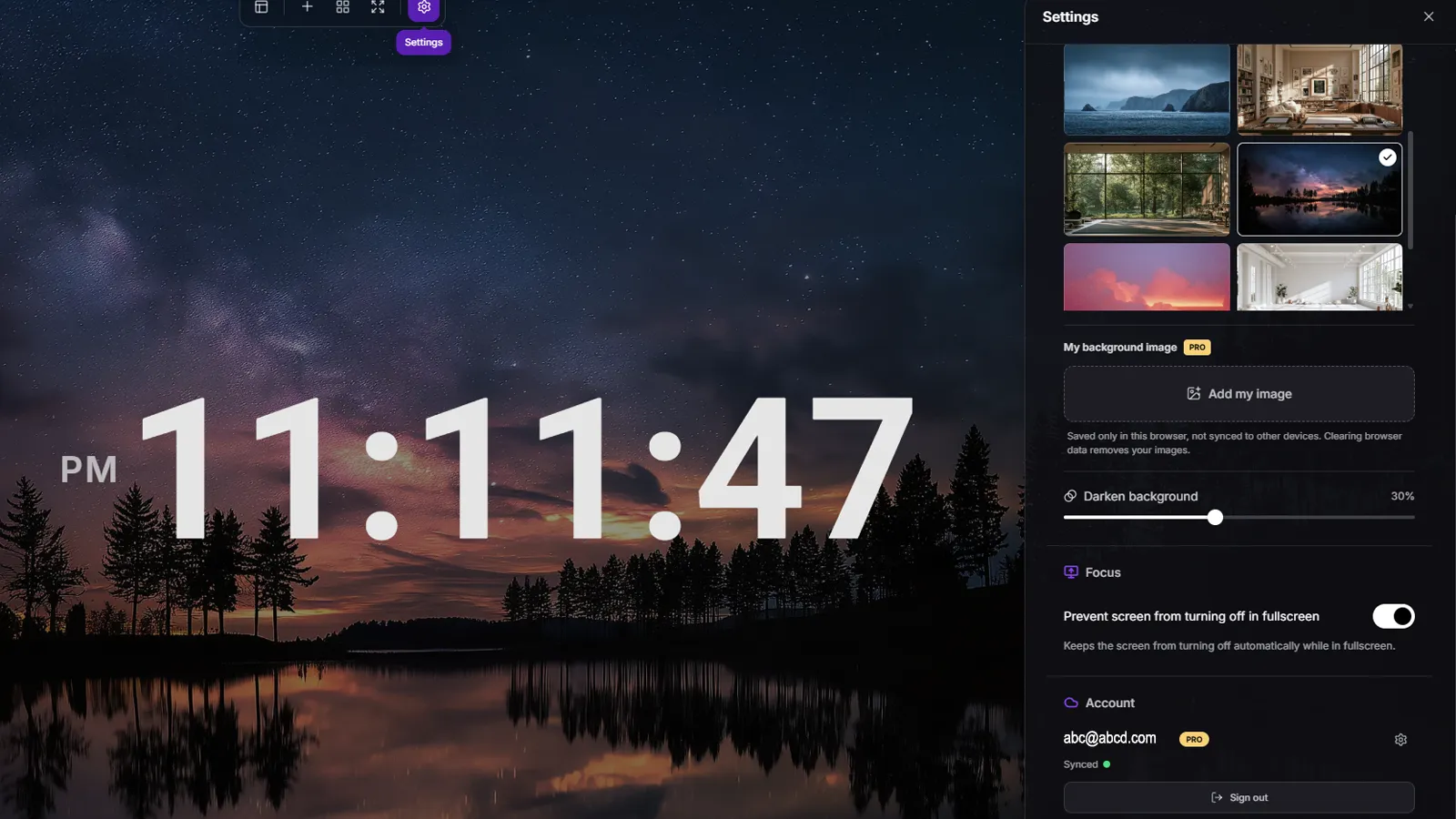
Start without an account and connect with Google when you need to.
- Your basic setup is saved in the current browser.
- Sign in with Google in the Account section of Settings.
- Check the sync status and use the same Google account on another device.
+