
Guide contents
An online stopwatch for elapsed time
See how long study and work take, and compare each stage with lap times. Start directly in your browser.
Use Stopwatch in your workspace01
Start, pause, and resume
A timer counts down the time remaining. A stopwatch measures the time elapsed since you started.
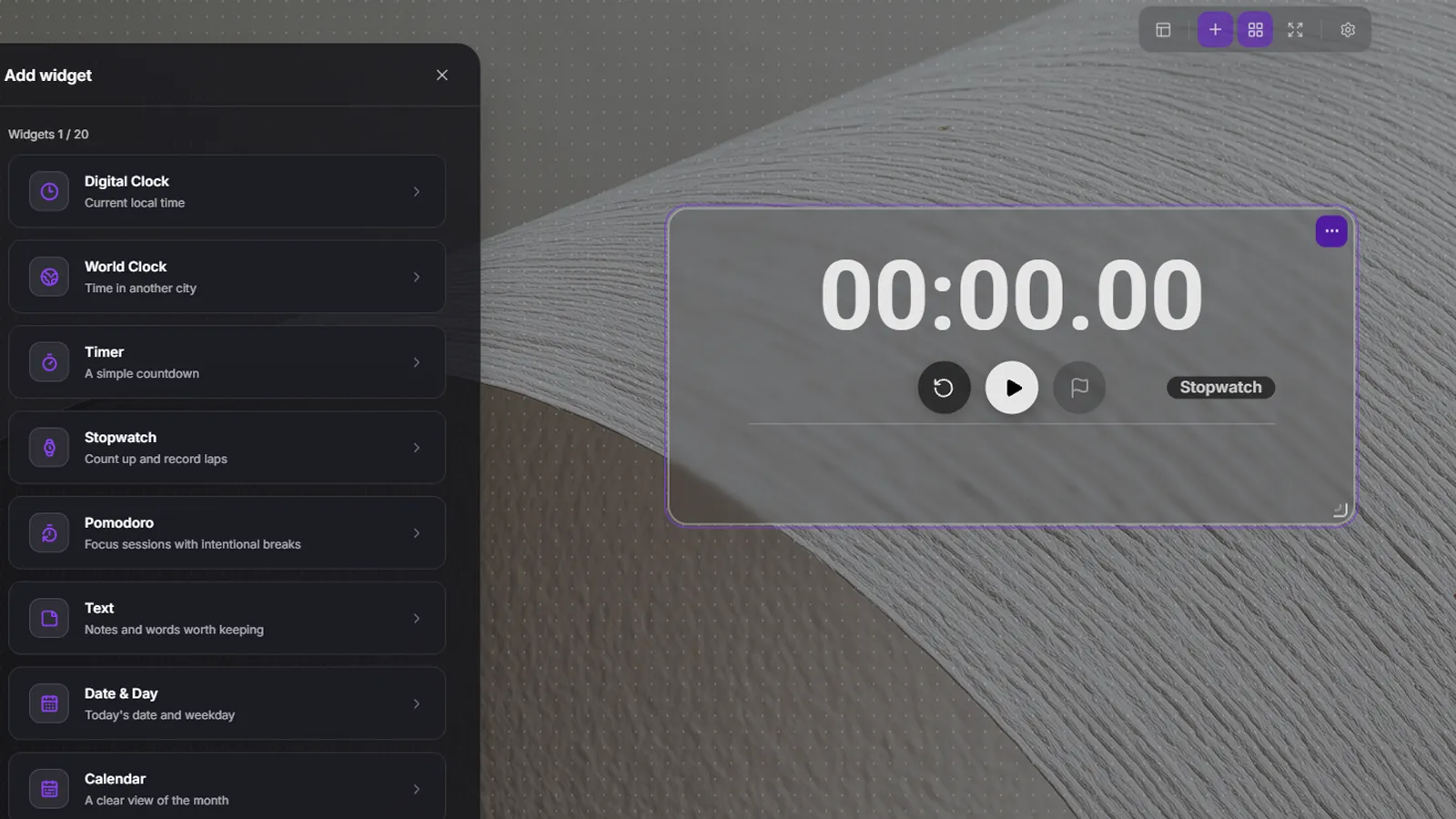
- Choose Stopwatch from Add widget in the top toolbar.
- Press play to start and pause to take a break.
- Press play again to continue from where you paused. Time spent paused is not added.
02
Record each stage with lap times
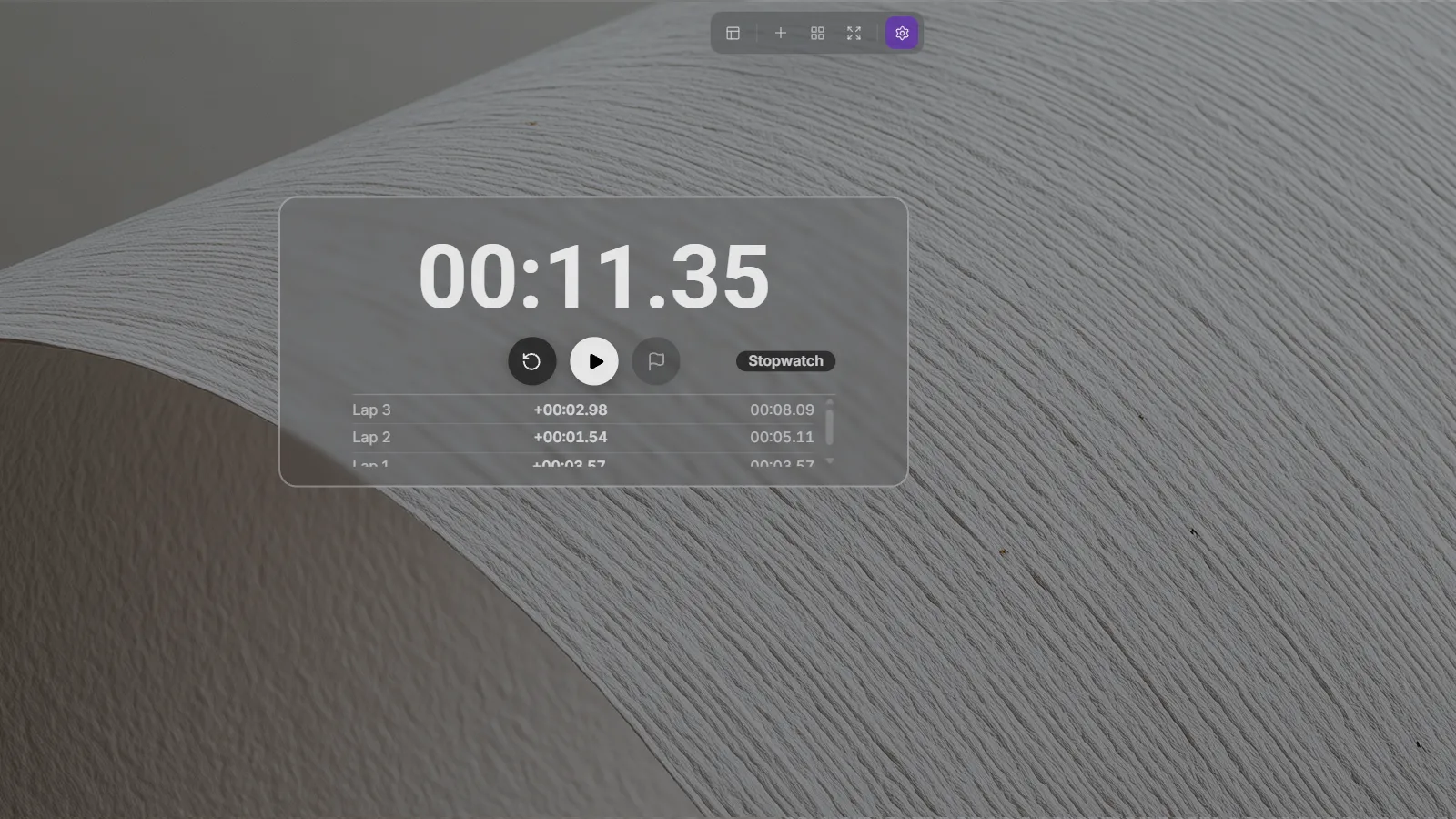
Press lap when you finish a problem or a stage of work. The stopwatch keeps running while saving that moment.
- Press lap while the stopwatch is running. Laps cannot be added while paused.
- Each row shows the lap number, the time since the previous lap (+), and the total elapsed time.
- If the first lap is at 30 seconds and the second total is 1 minute 10 seconds, the second split is 40 seconds.
- The newest lap appears first. Scroll through the list as more records accumulate.
03
Reset and arrange your stopwatch
Use reset to return to zero for a new measurement.
- Reset also stops a running stopwatch and deletes all lap records.
- In widget editing, move the widget and resize it with the bottom-right handle. Leave enough height if you use laps often.
- Choose a font in Stopwatch details, then finish editing your layout.